Your restaurant.
Wherever you are.
Check the day, manage orders and keep your team moving with My Dinevate on your iPhone or iPad.
Know how today is going
Live sales, trends and your top sellers.
Keep orders moving
Pickup and delivery, together in one place.
Make changes on the go
Menus, hours and ordering controls in your pocket.

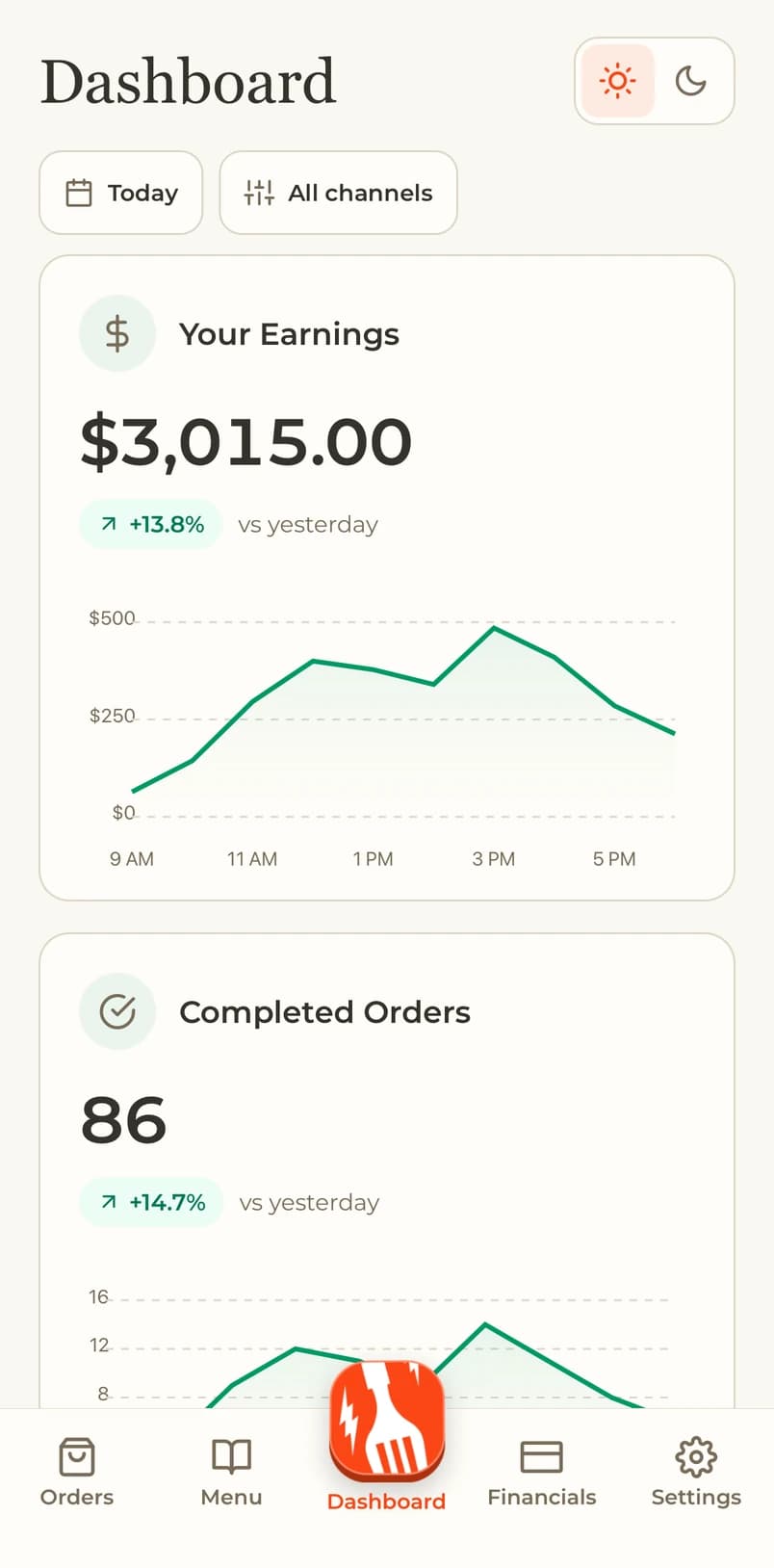
A clear view of your day.
Follow live sales, compare dates and see what guests are ordering.
- Sales trends and channel breakdowns
- Top sellers and order history
- Switch between your restaurant locations

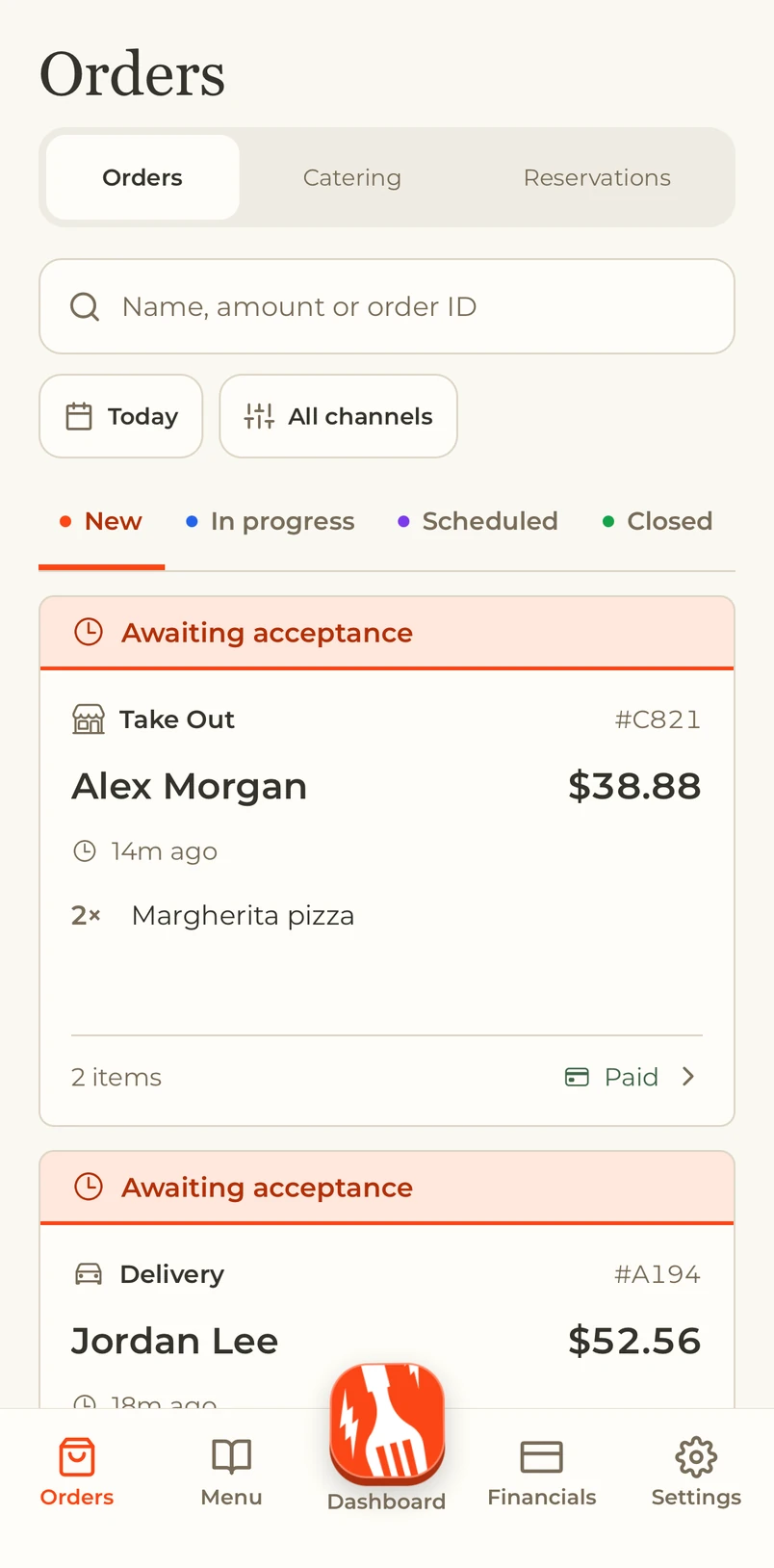
Keep every order moving.
Manage pickup and delivery with the next step close at hand.
- Accept orders and set preparation times
- Mark orders ready and share receipts
- Cancel or refund eligible orders

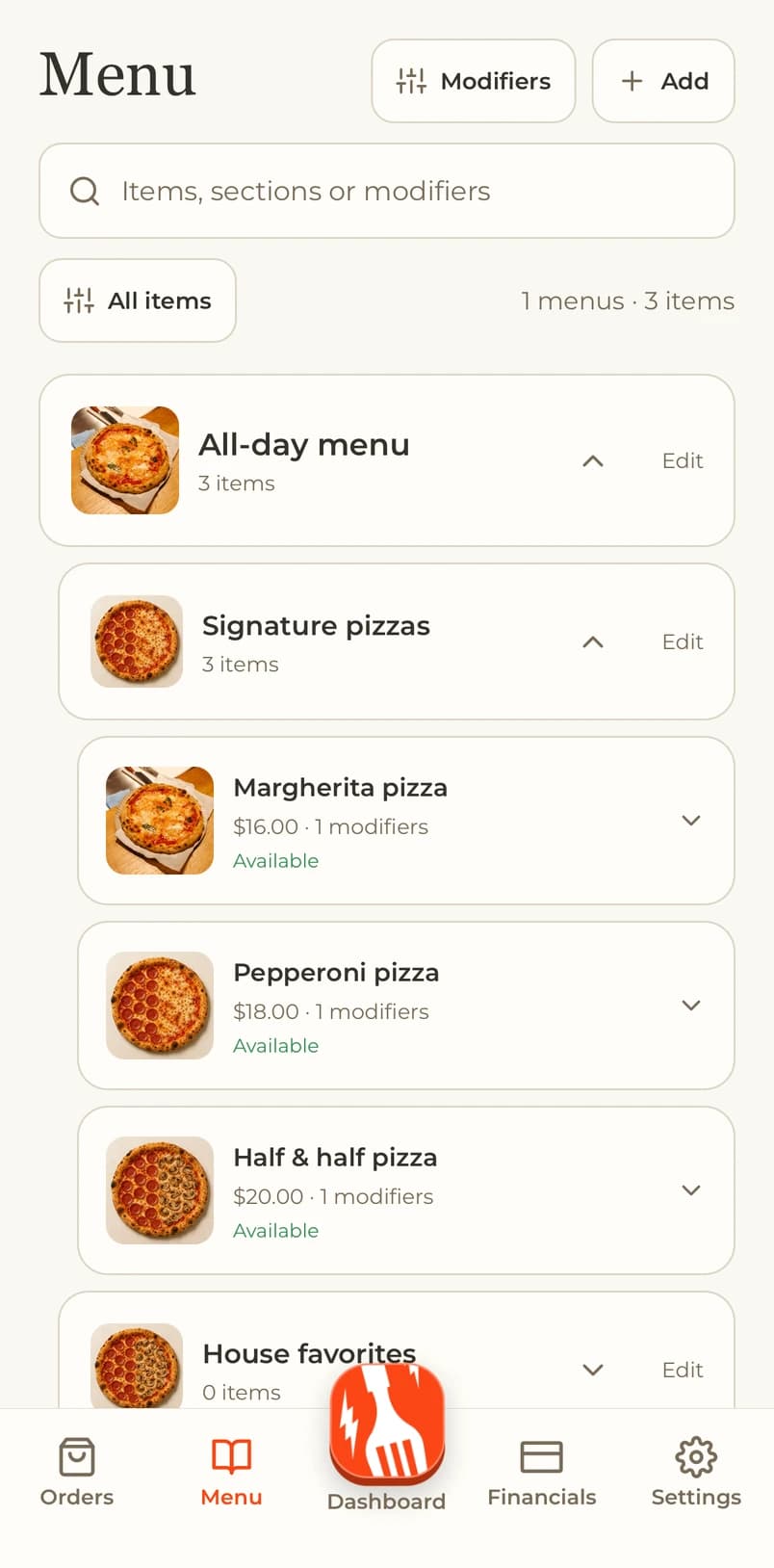
Your menu. Always in reach.
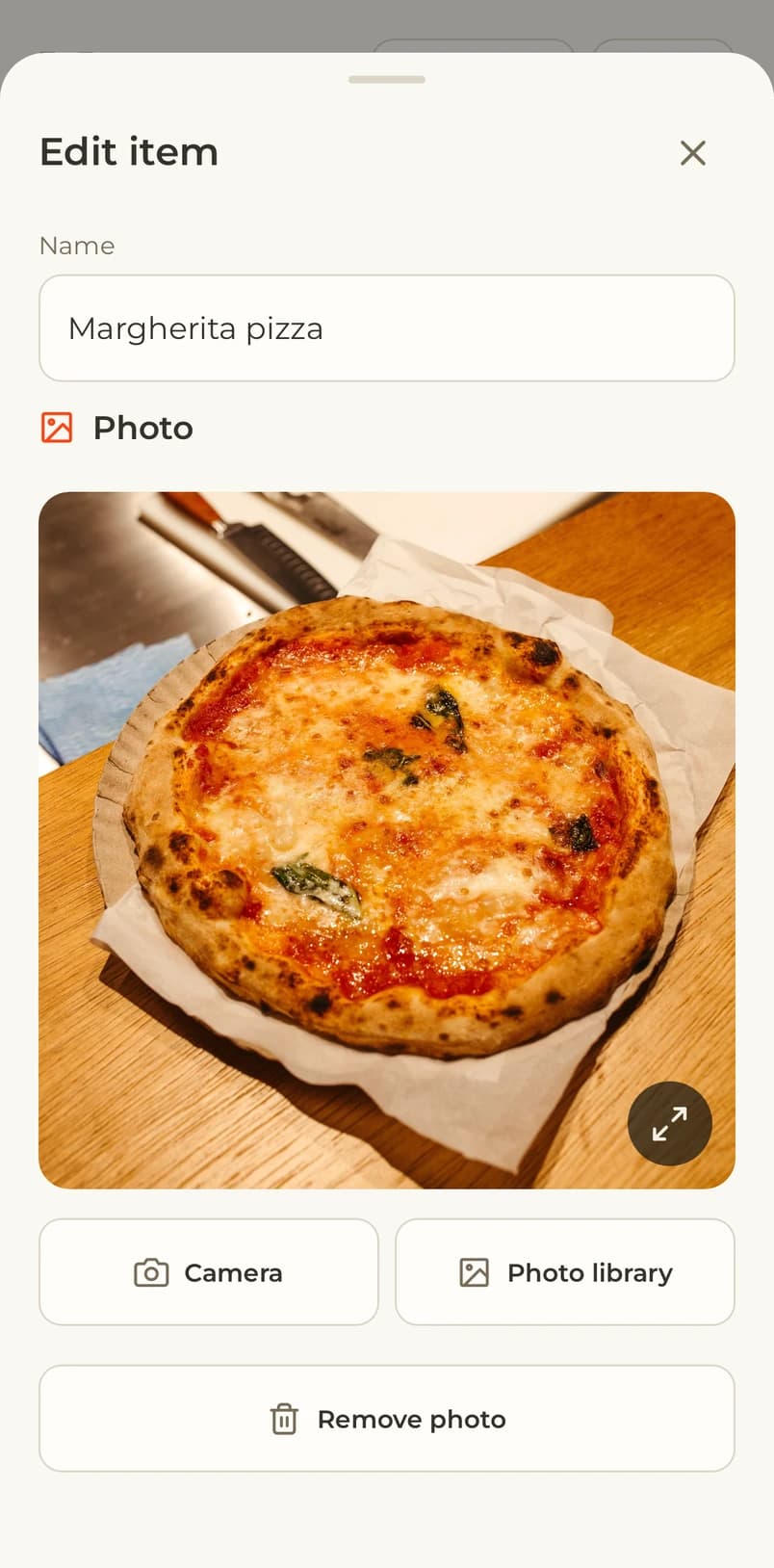
Update items, prices and availability, with photos straight from your camera or library.
- Organize menus, sections and modifiers
- Set stock durations and visibility
- Preview photos before you save
Set the pace of your kitchen.
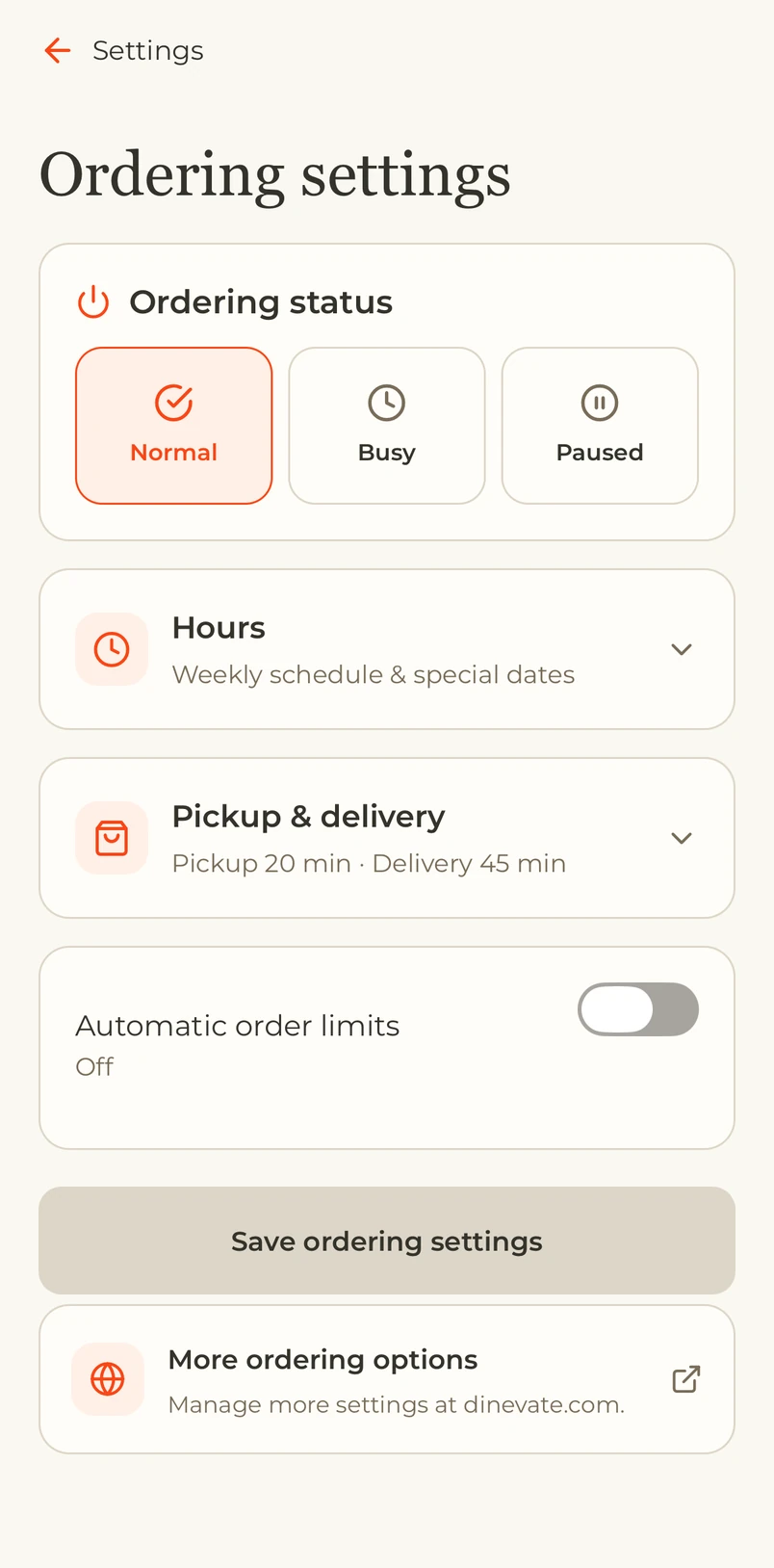
Adjust ordering to the day your team is having.
- Weekly hours and special dates
- Preparation times and busy mode
- Pause orders and set a reopening time
Make room for what’s next.
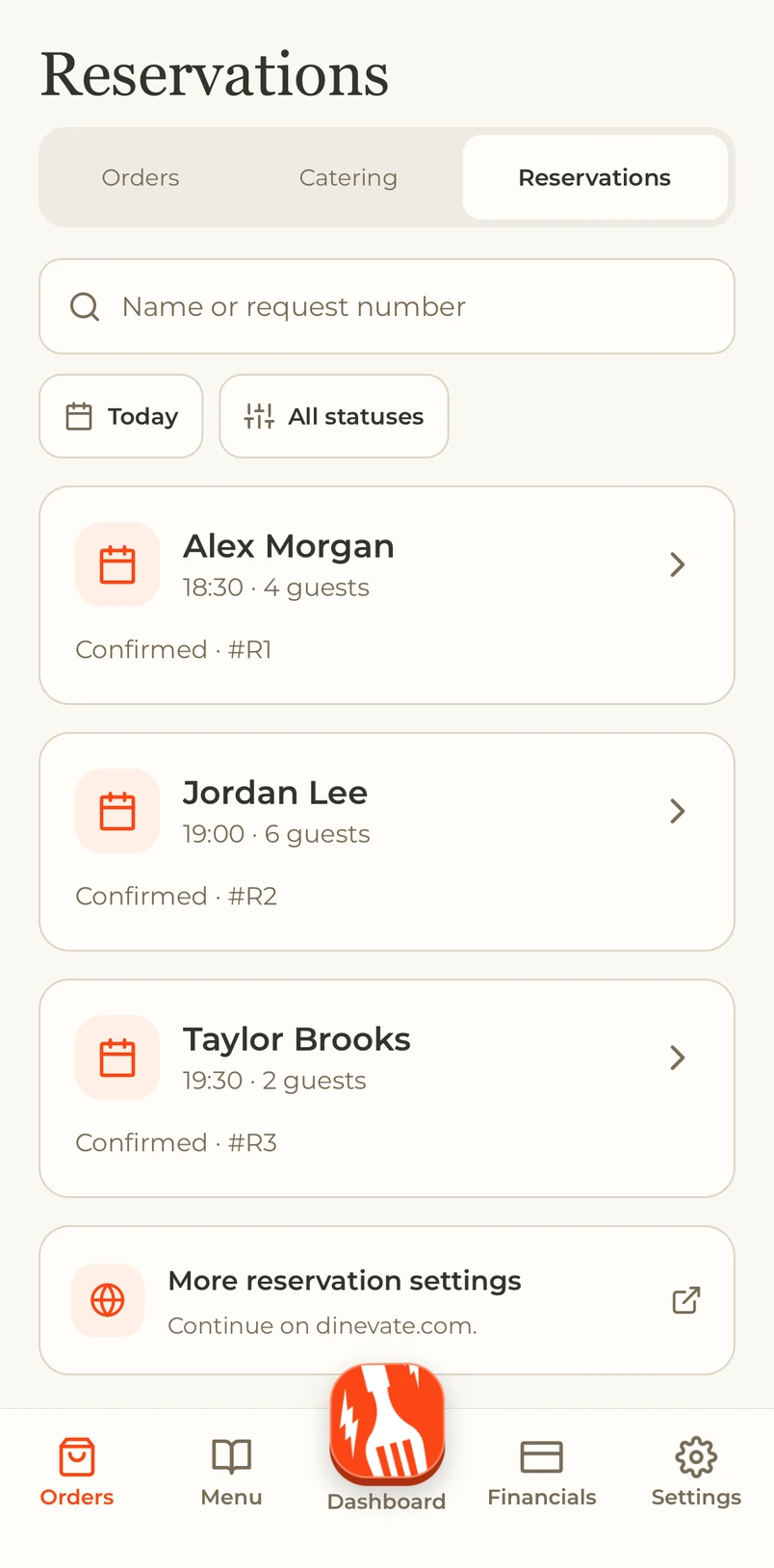
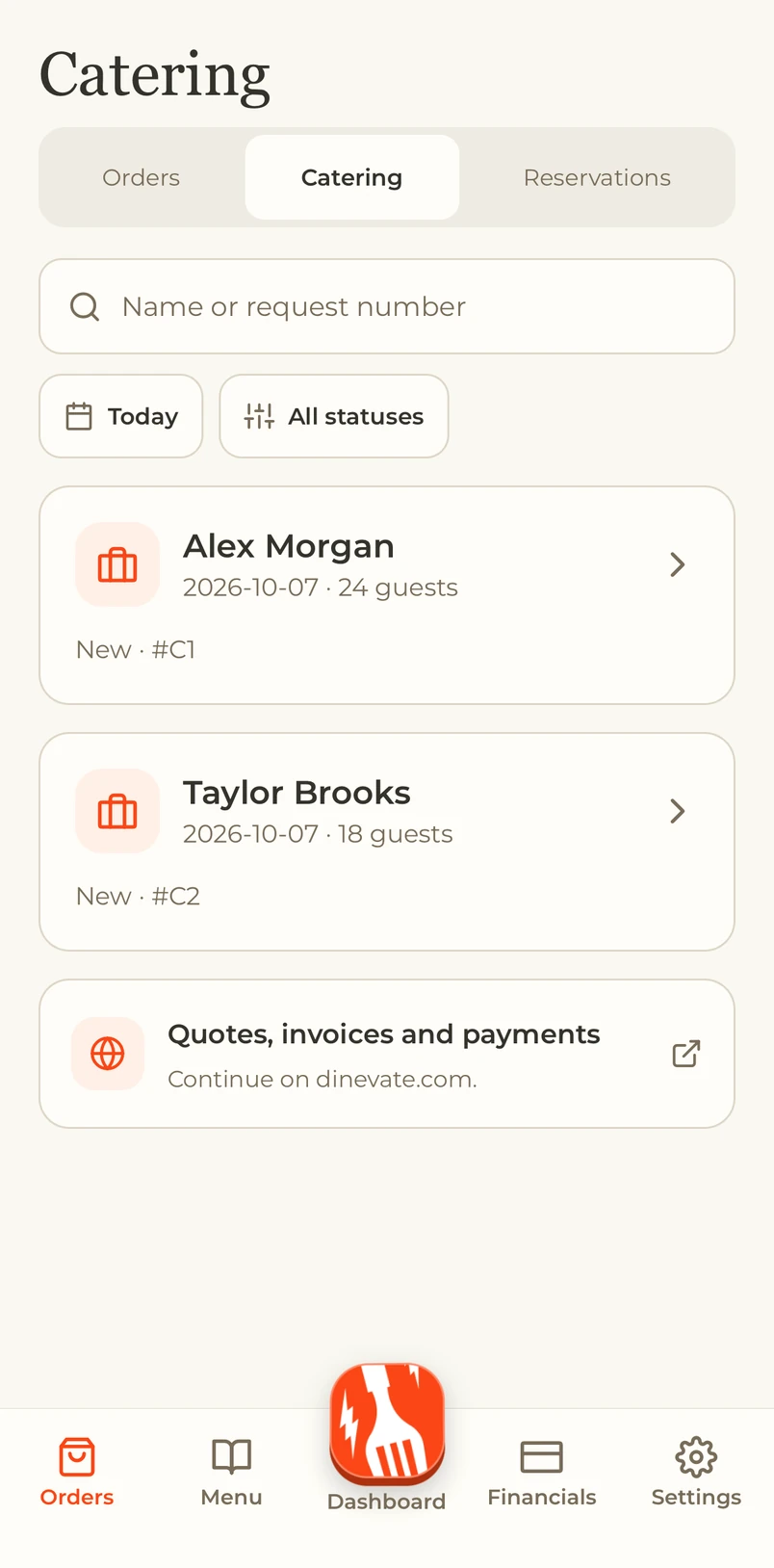
Keep upcoming events and reservations organized when these services are enabled.
- Review catering requests and event details
- Confirm reservations and update guest counts
- Receive alerts for new requests and changes
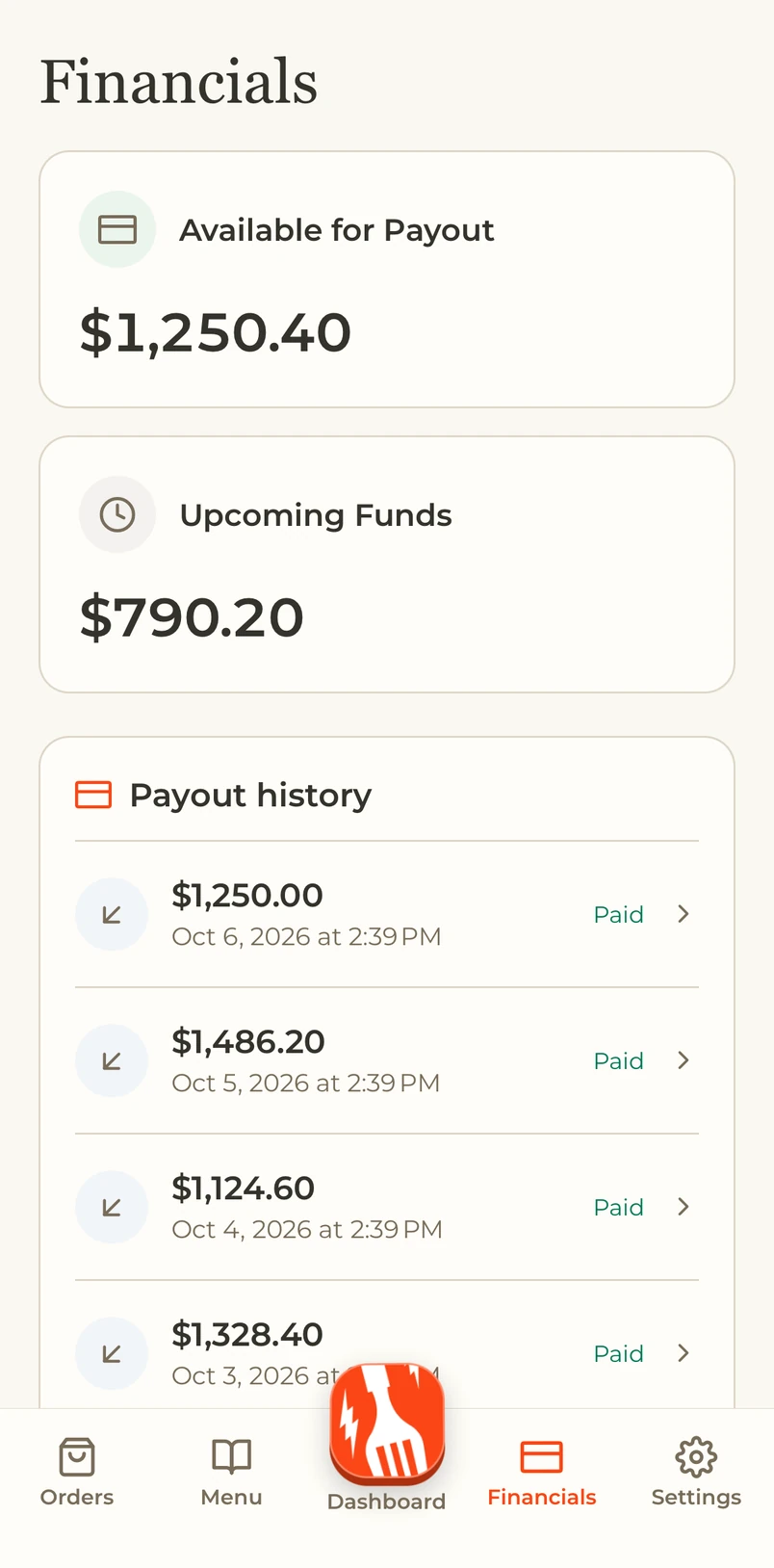
Know where your money is.
See payout history and upcoming funds where supported by your payment processor.
- Payout statuses and details
- Upcoming funds at a glance
- Statements with the right account access
Your account. On the go.
Use your existing merchant account, with your assigned locations and permissions.
Owner login on the web