Restaurant online ordering software with the app habits guests already know: customize the meal, load a balance, earn something back. Dinevate brings those details together under the name above your door.
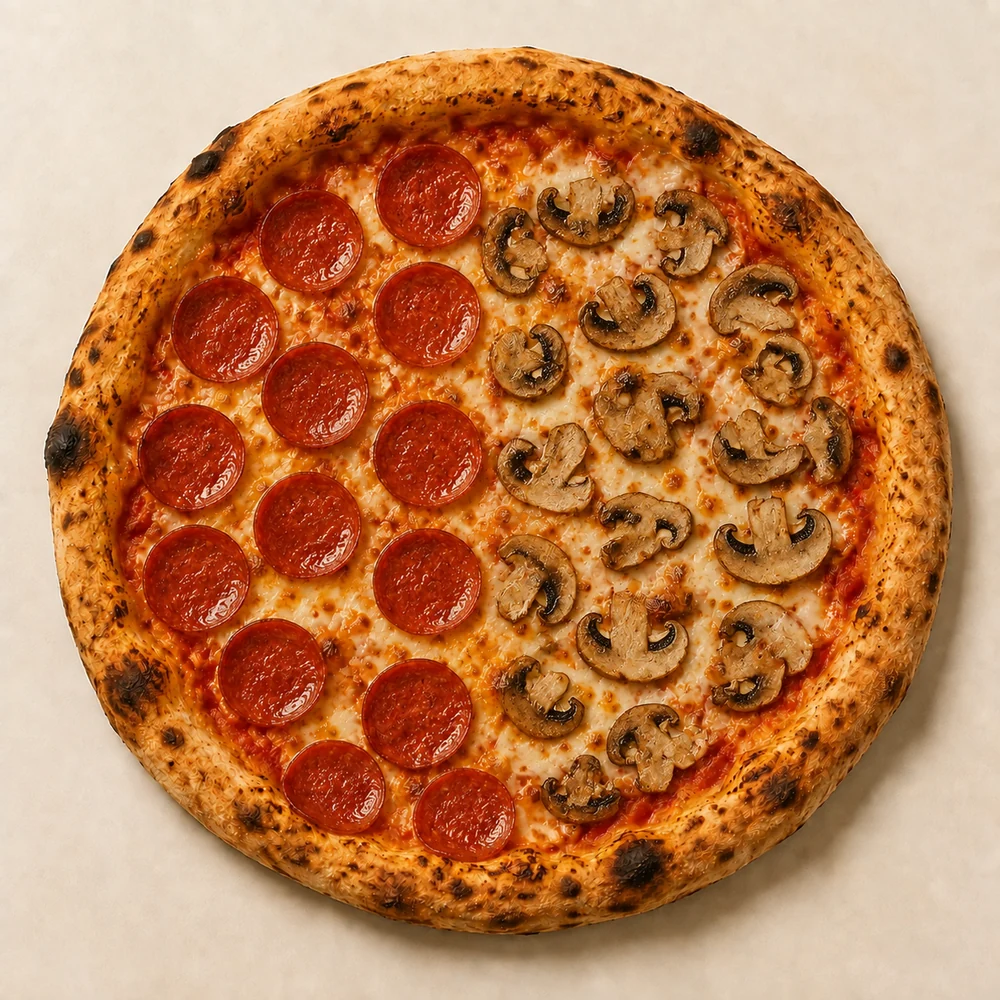
Size-based prices. Required choices. Extras on just one half. Dinevate handles the details while the guest builds the meal, with the price attached to each choice.
Give guests their own restaurant balance, with a first-load bonus and cashback you control. They can pay with their wallet or combine it with a card. The next visit already has a starting point.
Website, branded app and enabled Voice orders feed a shared order-processing flow. Menu choices, payment details and customer information travel with the order to the team preparing it.
Choose the item with the most options. Change its size. Add an extra. Follow it through checkout and into the kitchen’s view. That’s where the quality of an ordering system becomes clear.
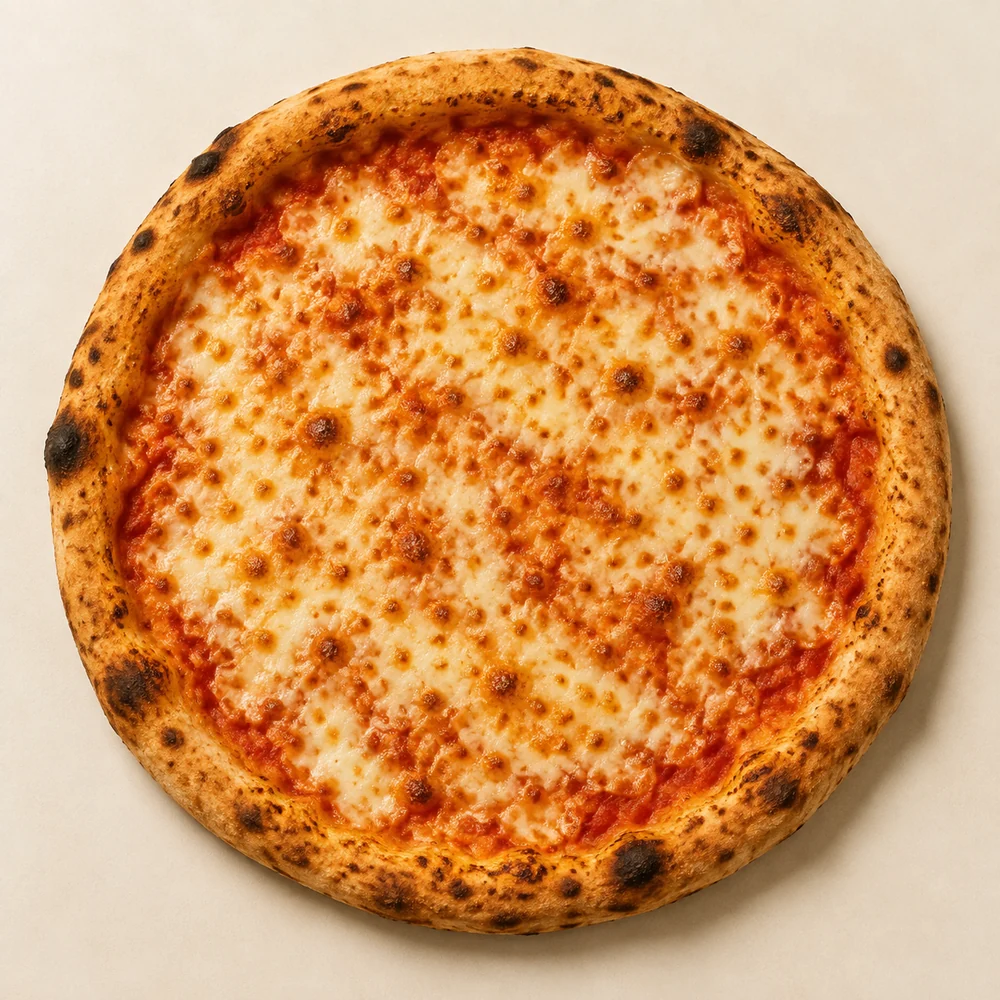
Big Z Pizza, Newark, Delaware. Explore the menu, from first tap to favorites.
Before you choose
Restaurant ordering questions, answered.
Bring your POS, your menu and the experience you want to give your guests.
What should I compare if my POS already offers online ordering?
Test the details with your actual menu: required selections, size-dependent extra prices, half-and-half toppings, wallet and card payment, and the ticket your team receives. Then test the same experience on the website and branded app. Compare the supported configuration and full cost, including any services your restaurant needs.
How is a restaurant wallet different from loyalty points?
A wallet holds a monetary balance guests can load and spend with your restaurant. Dinevate also supports a configurable bonus on an eligible first deposit and cashback from wallet spending. Loyalty points are a separate way to reward eligible activity. The restaurant controls which offers it enables.
Can a guest use a wallet balance and a card on the same order?
Yes. Dinevate checkout can apply the guest's available restaurant balance and collect the remaining amount by card, subject to the payment provider's minimum charge requirements.
Are the bonus and cashback amounts fixed?
No. The $50 load, $5 bonus and 5% cashback shown in this walkthrough are an example offer. Your restaurant configures its bonus eligibility, bonus amount and cashback settings. These are guest wallet settings, separate from Dinevate's monthly platform pricing.
Do website, app and Voice orders share a workflow?
Website checkout, mobile checkout and enabled Dinevate Voice ordering use a shared order-processing flow. Dinevate Voice is an optional English-language product. Confirm payment and kitchen configuration, hardware and any required integrations in your demo.
What can Dinevate Voice handle after someone places an order?
Voice can look up order and delivery status, including an arrival estimate when available, and edit or cancel eligible placed phone orders under the restaurant’s rules. It also supports reservations, catering requests, relevant upsells and configured delivery dispatch. Loyalty points and saved cards connect through secure checkout. Voice is an optional English-language product.
Does this replace my POS?
Bring your current POS, payment provider and kitchen hardware to your demo. We will review the supported setup and the work you want Dinevate to handle before you decide on a change. Compatibility needs to be confirmed for your restaurant.
Your food has a following. Give it an experience to match.
See the ordering, wallet and app together, with your restaurant in mind.