Know the deadline
GloriaFood says April 30, 2027; Oracle still lists March 31. Confirm your account deadline.
For a GloriaFood restaurant, this is now a migration decision. Plan a replacement, test your menu and payment flow, and give your team time to learn the new setup before the announced end of service.


GloriaFood says April 30, 2027; Oracle still lists March 31. Confirm your account deadline.
Gather menus, domain access and exportable guest records.
Check payments, order routing and every public order link.
 Dinevate
You need a replacement website and ordering setup with a team to help you launch, plus an included branded app, loyalty and a guest wallet.
Explore the Dinevate platformYou are an existing GloriaFood customer using the remaining support period while preparing a replacement. New signups are closed.
Review the official sourcesGo from your website and app to the kitchen, delivery and the next visit. These are the Dinevate tools to put on your comparison list.
Your restaurant website and included iPhone and Android app, with favorites, order history and easy reordering.
Half-and-half toppings, prices by size, required choices, pickup schedules, advance orders and automatic pauses when the kitchen is busy.
Set earning rules, signup bonuses, redemption values and stamp-card rewards that fit your restaurant.
Offer restaurant credit, first-load bonuses, capped cashback and gift cards. Guests can combine wallet credit with a card payment.
Manage incoming orders, preparation status, configured printer routing and kitchen displays, with access for your team.
Set delivery zones, fees and minimums, give drivers their own access and manage deliveries. Dinevate Delivery is also available in supported areas.
Restaurant and menu content on your domain, search reporting, and email campaigns for guests who choose to hear from you.
English phone ordering, bookings, catering requests, loyalty and secure checkout, plus order updates and eligible changes or cancellations.
Manage catering inquiries, estimates, deposits and invoices so the team can follow the event from the first request.
Prepare chargeback responses using the restaurant's order, payment and fulfillment records, and track the dispute in Dinevate.
Review the features you want in your demo. Confirm optional services, equipment, supported payment methods, delivery availability and usage charges in your proposal.
See the full platform in a demoFollow an order from the guest's first tap to the kitchen. Compare the complete proposal with that journey in mind.
| What to compare | Dinevate | GloriaFood |
|---|---|---|
| Availability | Accepting restaurant onboarding inquiries. | Existing customers are in a transition period. Official notices differ between March 31 and April 30, 2027; confirm the date for your account.[1] |
| Direct online ordering | Your website and app share the menu, priced choices, checkout and order management. | Existing restaurants should plan to replace the ordering service before closure.[1] |
| Restaurant mobile app | Your branded iPhone and Android app is included, with ordering, favorites and loyalty. | Confirm how your existing guest-facing links and app entry points will be migrated.[2] |
| Migration planning | Review menus, important URLs, customer imports and the launch handoff with the team. | Use the remaining support period to gather account information and plan the move.[1] |
| Loyalty & restaurant credit | Points, configurable stamp cards and a reloadable restaurant wallet, with first-deposit bonuses and cashback you control.What this includesGuests can apply wallet credit and pay the remainder by card. You set points earning and redemption, stamp-card rewards, first-load bonus eligibility and wallet cashback caps. See the example below to compare the complete return-visit experience. | Review any current guest balances, offers and exportable history before migrating.[2]Read the detailsAsk to see the exact earning, redemption, stored-balance and split-payment flow included in your quote. A published loyalty feature does not by itself describe all of those details. |
| Setup & ongoing cost | A one-time $499 onboarding fee applies to every plan. Choose from three standard monthly plans. Custom pricing for custom needs is also available. Compare the complete cost on our pricing page.What this includesCompare the monthly subscription, online order adjustments and any separate menu price adjustment, payment processing and delivery usage. Confirm the launch scope, equipment and optional products in your proposal. The current pricing page is the source for plan details. | Historical free-service pricing is not an available new-customer offer.[2] |
Reviewed September 8, 2026. Products, availability and charges can change. Confirm the configuration and terms for your restaurant. Questions in the table identify details to verify, rather than missing features.
Move the menu into a restaurant website and ordering setup that guests can use on desktop and mobile. The branded Dinevate app is included.
Review menu choices, tax and payment configuration, kitchen routing, pickup times and delivery settings. Your team should see a complete order before the public switch.
A migration is also a chance to improve repeat ordering. Introduce guests to order history, loyalty and your restaurant wallet as part of the new experience.
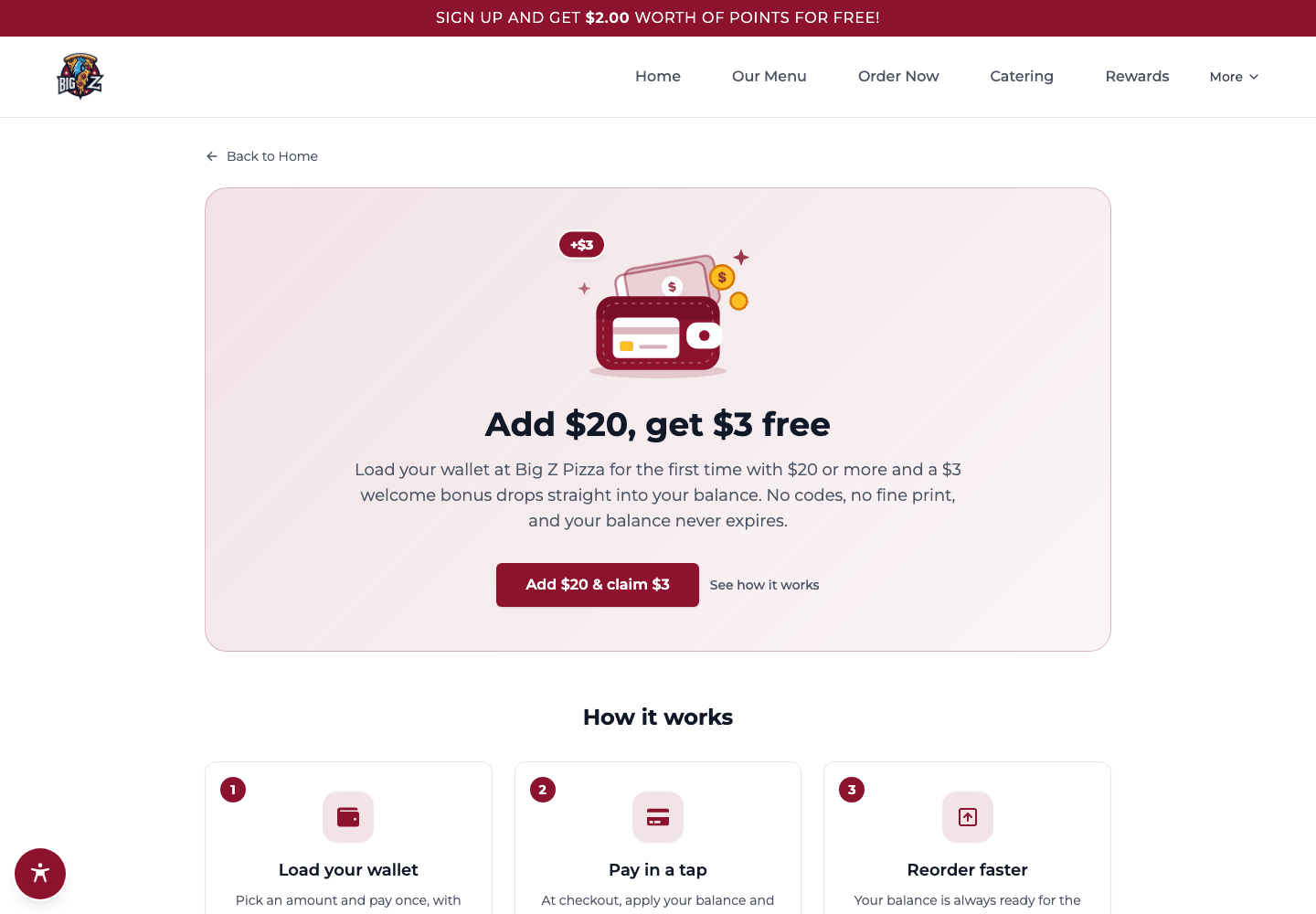
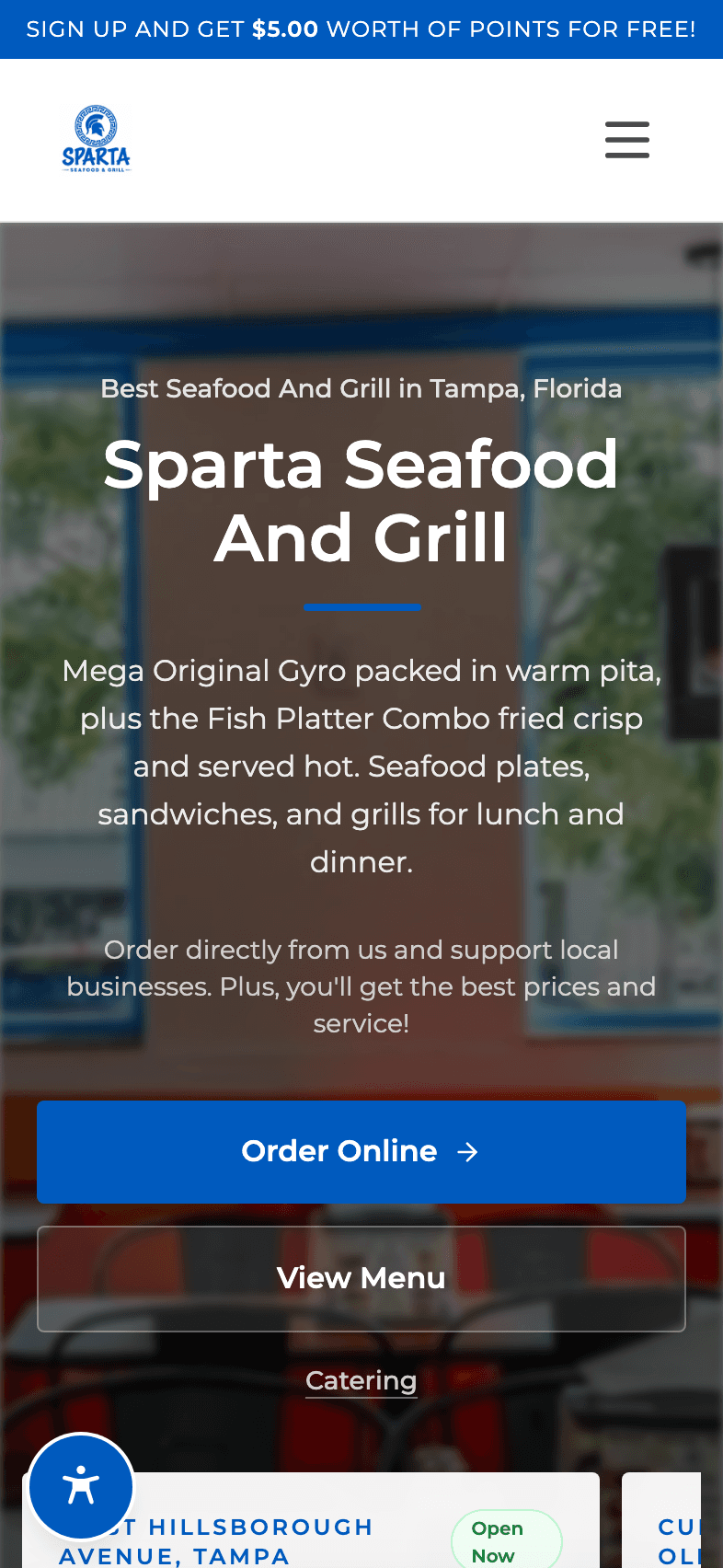
With Dinevate, your restaurant can combine points, a stamp card and a reloadable wallet. Set the offer, give guests credit toward a meal, and keep that balance close to the next order in your app.
A guest loads $50. Your first-load offer adds a $5 bonus.
They spend $25 on a meal and keep $30 in their restaurant wallet.
At 5% wallet cashback, $1.25 goes toward their next visit.
Example offer. Your restaurant sets eligibility, the bonus, cashback rate and cap. Points and stamp-card rules are configured separately.
Choose point values, stamp-card rewards and first-load incentives that suit your menu and margins.
Guests can spend restaurant credit and pay any eligible remaining amount by card, without abandoning their order.
Ordering, favorites and order history live under your restaurant’s name. Include that app and launch work when comparing total costs.
A useful phone agent stays connected to the guest, the order and the next step. Put these three moments into your Dinevate and GloriaFood demos.
Voice handles reservations and catering requests, including configured estimates, deposits and restaurant follow-up. It can also suggest relevant extras while taking a menu order.
Loyalty and saved cards remain part of the returning guest’s experience. Voice connects the order to secure checkout, where the guest can use an eligible saved card.
Voice can dispatch through your configured delivery provider, answer order-status questions and edit or cancel eligible placed phone orders, following your rules and the current order stage.
Ask each provider to complete these journeys using an actual order in the demo. Compare the actions completed, the staff handoffs and what is included in the quote. Dinevate Voice is an optional service with separate pricing and currently supports English.
Points. Stamps. A balance for next time.
When you compare Dinevate with GloriaFood, look at the reward a guest earns, how they use it and the rules you can set. Here’s what you can build with Dinevate.
From the menu to the next visit. Choose a topic to explore.
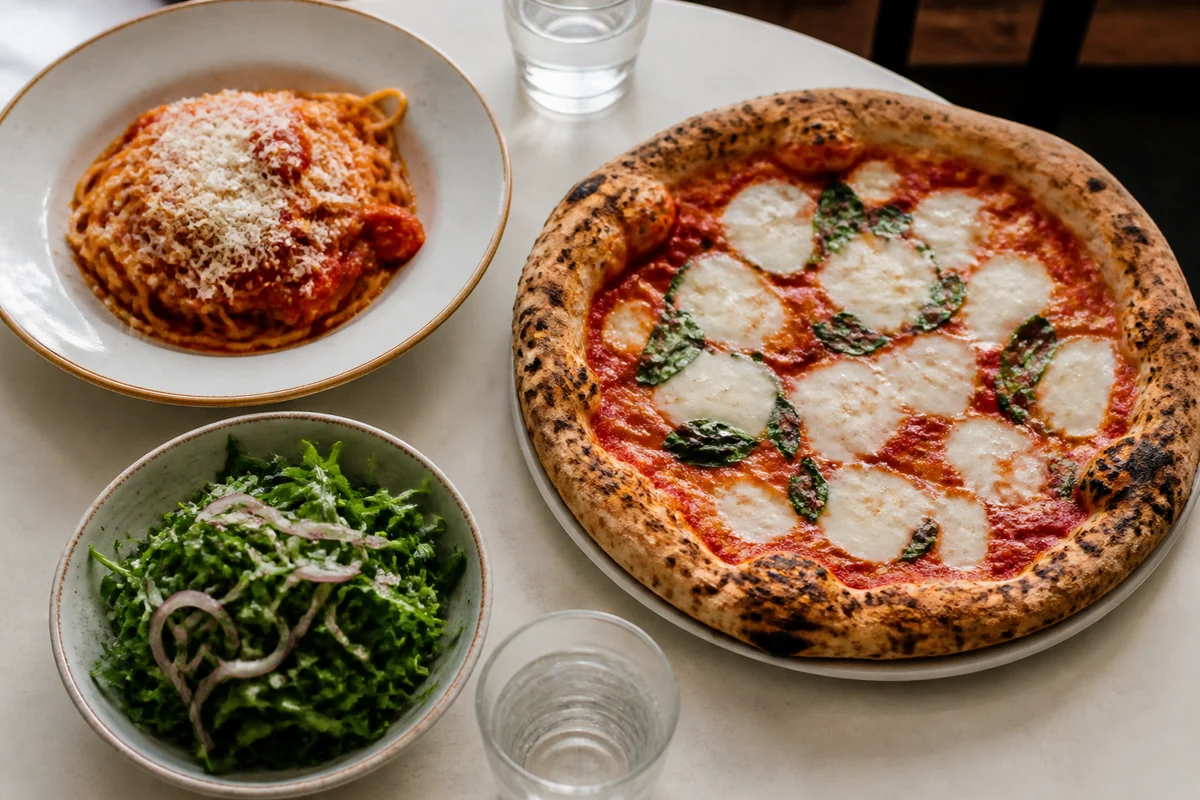
Build the choices into the menu so a guest can order precisely and your team can see what they chose.
Set a realistic pickup promise and let guests plan ahead within the hours you actually serve.
Make the delivery area fit your operation, with a fee and a service promise that make sense for each trip.
Your ordering system should respond when the tickets start coming in faster than the kitchen can work.
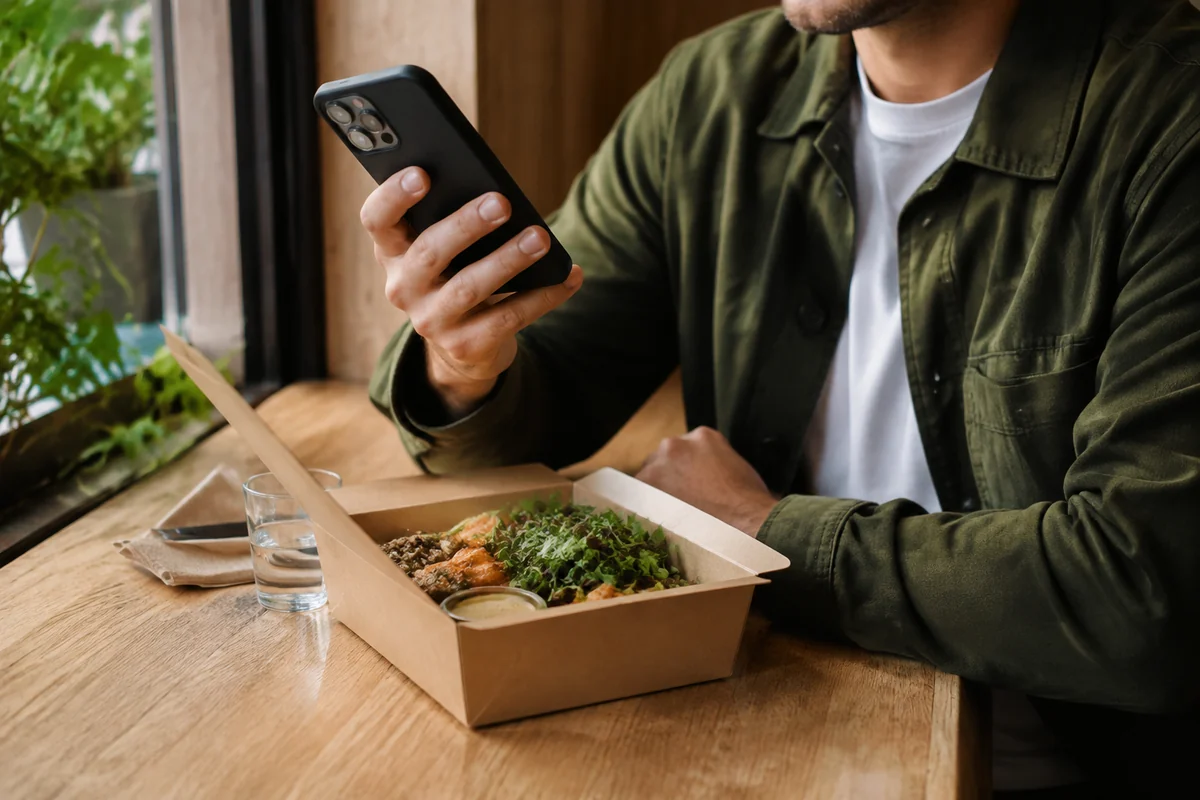
Choose how guests sign in, leave a tip and see applicable charges, with your restaurant’s setup guiding the payment options.
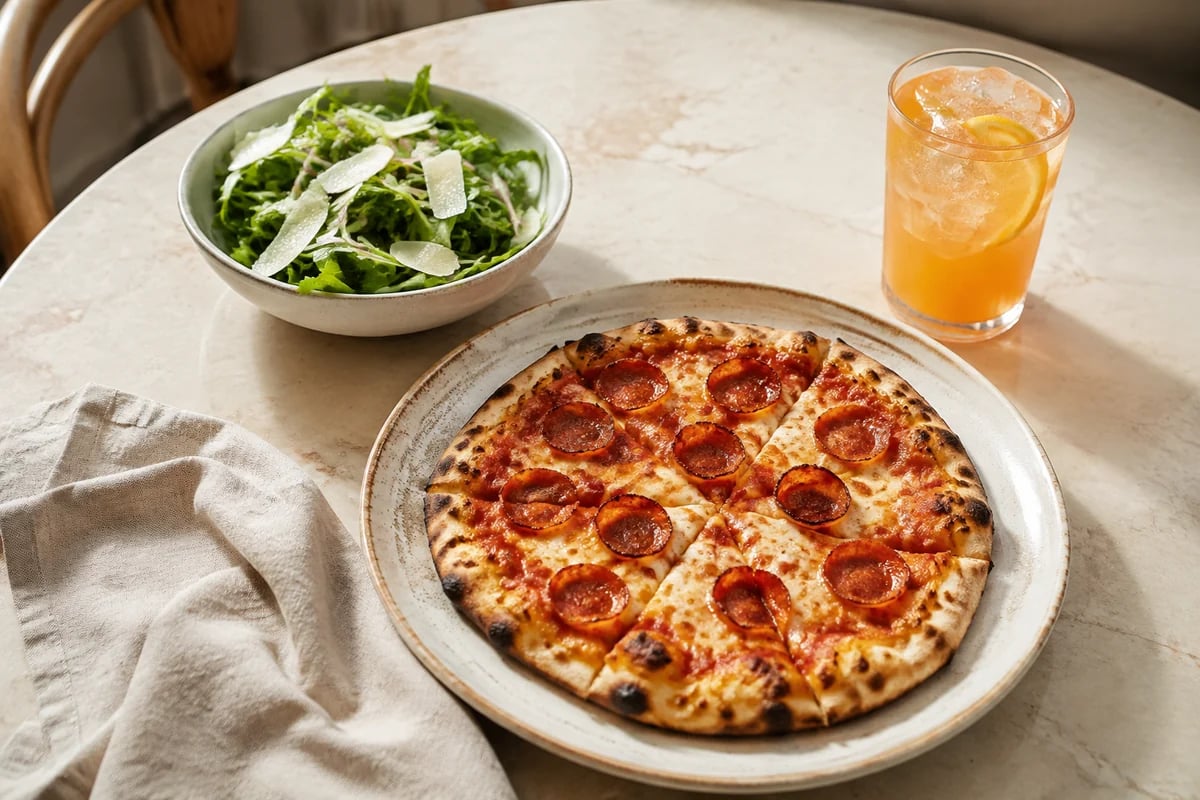
Show the offer beautifully, then make sure the right items, hours and orders qualify for it.
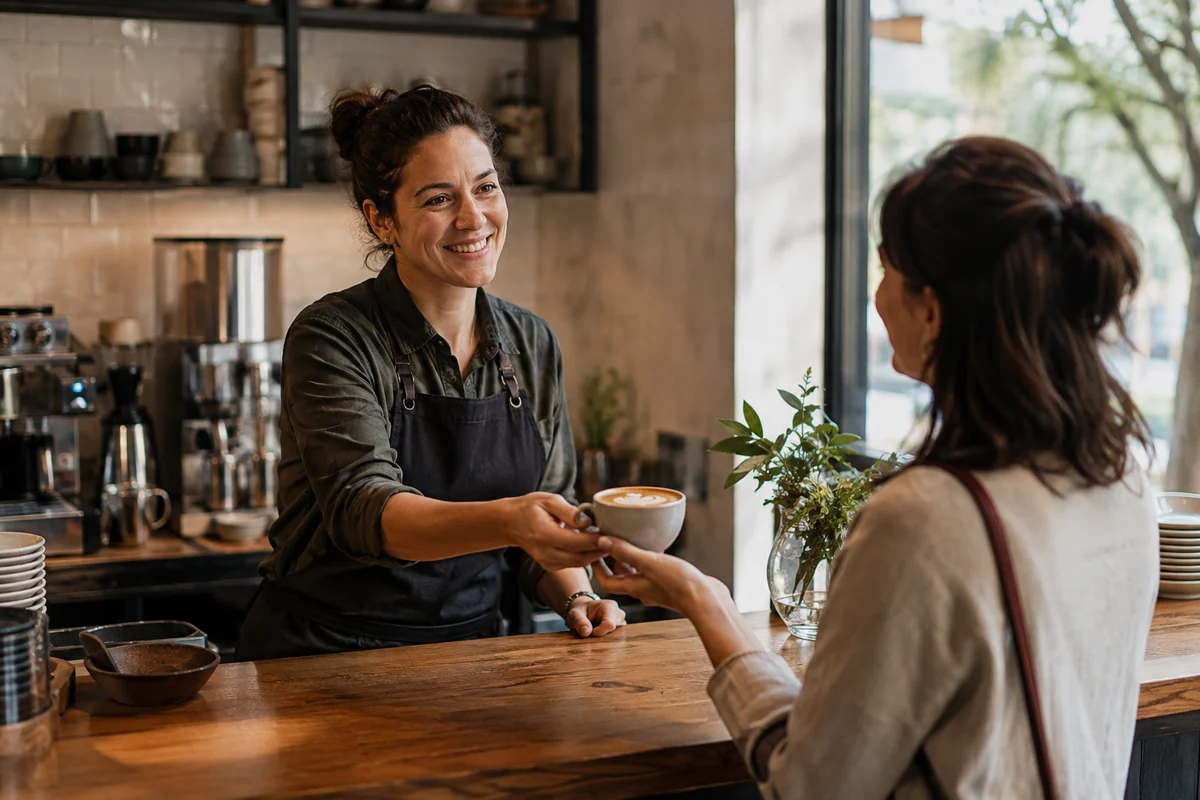
Choose the reward structure that fits your restaurant and give guests a clear way to see their progress.
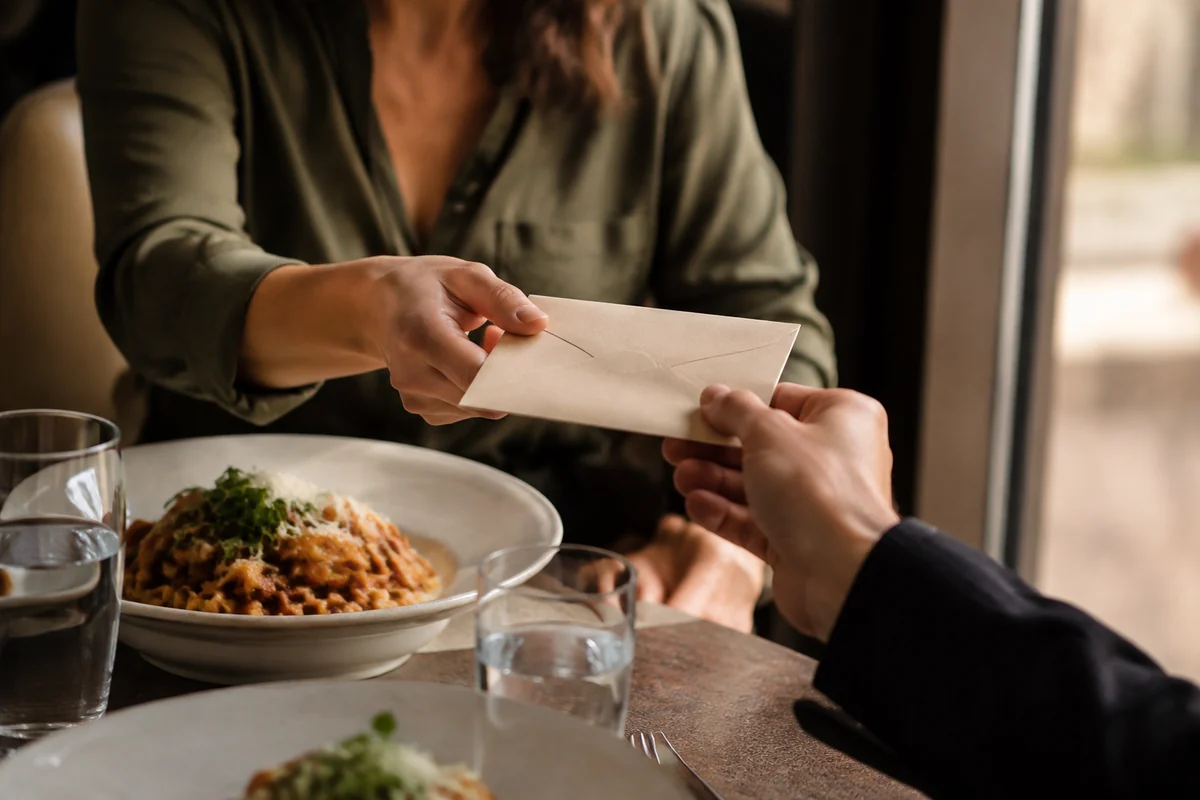
A reloadable restaurant wallet turns the promise of a future reward into credit a guest can use with you.
Guests can save a dish, or the exact way they order it, and find it again the next time they open your menu.
Signed-in guests see their recent orders on your ordering page and can bring a whole order back into the cart, choices included.
Give people their own access and send new-order alerts to the team that needs to act on them.

Keep the places you serve and the food you make connected to your restaurant’s direct ordering presence.
GloriaFood is an online-ordering service that has been discontinued for new signups. Its service notice says April 30, 2027, while Oracle still lists March 31, 2027. Confirm your account deadline and plan the move before the earlier date. Sources
Dinevate connects a restaurant website, direct online ordering, a branded mobile app, loyalty and a guest wallet. Dinevate Voice brings that experience to English phone calls: ordering, reservations, catering requests, upselling, loyalty, saved-card checkout, delivery dispatch and order updates, including eligible edits and cancellations of placed phone orders. Your menu, customer records and order workflow stay connected. The team helps prepare your menu, website and launch.
Pricing, product fit and the practical details of a switch.
Dinevate gives your restaurant several ways to encourage another visit: points, configurable stamp cards and a spendable restaurant wallet. You can set an eligible first-load bonus, cashback and its cap, then let a guest combine wallet credit with a card at checkout. Your branded app is included and keeps the menu, favorites and order history close. Compare that full guest journey with the specific GloriaFood configuration in your quote, along with monthly fees, order charges and who handles launch. Choose Dinevate when those controls and the connected experience fit the way you want to run your restaurant.
Ask each provider to demonstrate a reservation, catering request, relevant upsell, returning guest using loyalty and a saved card through secure checkout, delivery-driver dispatch, a caller asking where their food is, and an edit or cancellation after a phone order is placed. Dinevate Voice supports these connected caller journeys in English. Catering requests follow your configured estimate, deposit and follow-up process. Edits and cancellations apply to eligible placed phone orders within the supported change window, following restaurant rules, payment method and the current order stage. Compare what the quoted setup completes for the caller, what needs a staff handoff and how the result appears in the restaurant's order records.
GloriaFood's service notice says April 30, 2027. Oracle's Food and Beverage page still lists March 31, 2027. Confirm the date for your account and plan your replacement ahead of the earlier date.
Oracle says new signups are closed. Existing restaurants should review the current service notices and plan a replacement.
A one-time $499 onboarding fee applies to every plan, separate from recurring and order charges. Choose from three standard monthly plans. Custom pricing for custom needs is also available. The restaurant, guest or an even split can cover the applicable adjustment, depending on the selected plan. Review the current pricing page and your proposal for payment processing, delivery, launch scope, equipment and optional products. Compare the complete cost using the same order volume for every provider.
Start with domain access, current menu data, item options, public ordering links and any available customer export. Confirm what can be migrated, rebuild the menu, then test payments and kitchen routing before updating the website and Google ordering links.
This comparison is published by Dinevate. Competitor information comes from the official pages below, reviewed September 8, 2026. Dinevate product information is described in our feature pages and pricing. We have not independently tested every configuration of either provider.
Tell us where to reach you and we'll walk through the setup, the guest experience and the pricing for your restaurant. A personal walkthrough, and no payment required.
A conversation about your restaurant, on your schedule.