Build a usable modifier menu
Set the base burger and required choices first. Offer only the toppings and substitutions the kitchen supports, with clear added prices.
Online ordering for burger restaurants
Give guests a direct ordering menu for patties, toppings, sides and meal combinations, with the choices connected to your kitchen ticket.
See it with your menu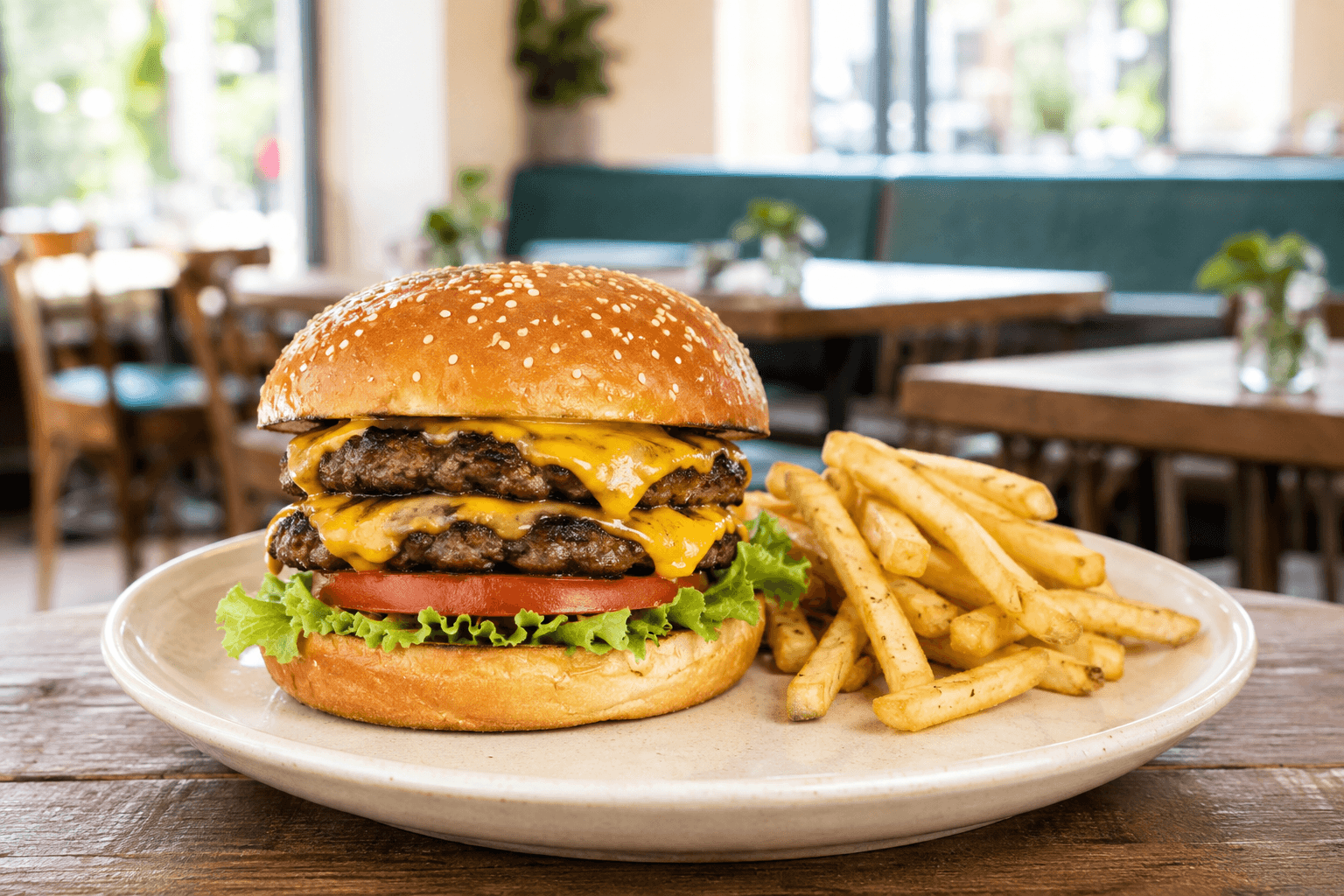
Bun, cheese, toppings and sides can turn a simple item into a complicated ticket. A clear digital menu asks for the choices you need before the order reaches the grill. Dinevate connects that menu with your restaurant website, app and order workflow.
Set the base burger and required choices first. Offer only the toppings and substitutions the kitchen supports, with clear added prices.
Configure the side and drink choices that belong to a meal. Keep optional extras separate so customers understand what is included.
Set ordering hours and pickup options around your service. Update availability when ingredients or items sell out.
Use the restaurant app, eligible rewards and opted-in email campaigns to give returning guests a direct route to their favorites.
Configure the ingredient and topping options supported by your menu. Distinguish free removals, required choices and paid extras so the ticket stays clear.
Use item options and required groups for the meal choices your menu supports. Test the combination and prices during setup.
The branded restaurant app is part of the core offering. Onboarding and ongoing platform costs apply, with optional products priced separately.
Better together
Let guests order from your restaurant’s website, choose what goes into their meal and check out for pickup or delivery.
A branded app for your restaurant, connected to your menu, ordering and loyalty.
Bring website, app, phone and in-store orders into a shared workflow your team can use during service.
Let’s look at your restaurant
Bring your menu, your questions and the way you work. We’ll walk through the setup with you.