Define the platter
Make included meat and side choices explicit. Use sizes and required option groups to reflect what comes with each dish.
Online ordering for BBQ restaurants
Bring platters, meat choices, sides and larger catering inquiries into an ordering experience built around your barbecue menu.
See it with your menu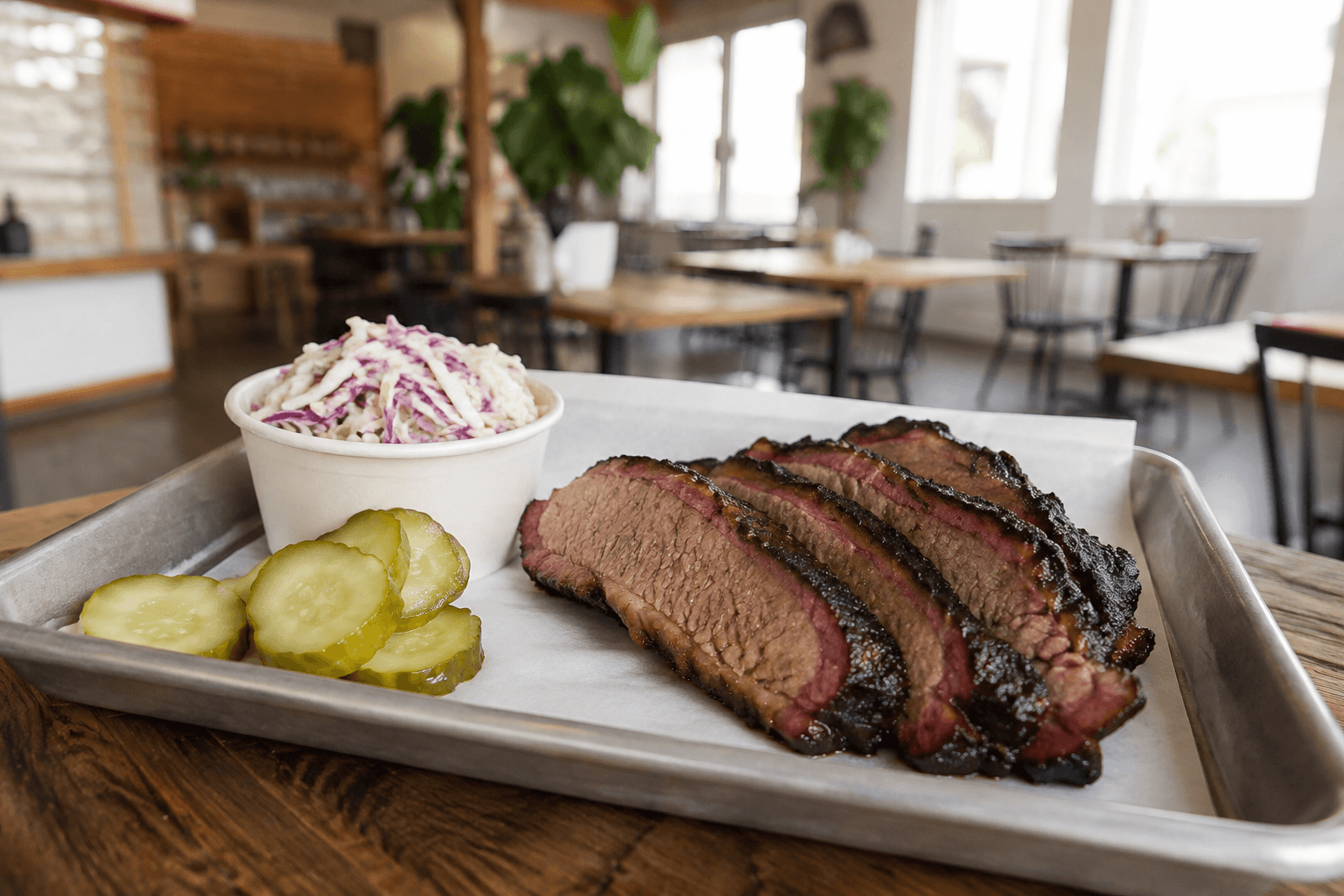
A barbecue restaurant may have portion sizes, included sides and dishes that sell out before the shift ends. Guests need clear choices and realistic availability. Your staff needs the same details on the order, without sorting through several separate channels.
Make included meat and side choices explicit. Use sizes and required option groups to reflect what comes with each dish.
Use menu availability controls when a dish is no longer available. Check the public menu after changing service availability.
Configure supported pickup times and ordering rules for the hours your kitchen operates.
For events with guest counts, quotes and deposits, optional Catering Pro provides an inquiry process beyond the normal ordering menu.
Use the restaurant’s item availability controls to update the ordering menu during service.
Catering Pro is an optional subscription for inquiries, estimates, supported deposits and invoicing. It is useful when the event needs details beyond a regular takeout order.
Define the allowed options and required groups for each platter in your menu. The available choices should match what your kitchen can fulfill.
Better together
Let guests order from your restaurant’s website, choose what goes into their meal and check out for pickup or delivery.
Organize catering inquiries, estimates, deposits and invoices around the event you are preparing for.
A website built around your food, your neighborhood and the next thing a hungry guest wants to do.
Let’s look at your restaurant
Bring your menu, your questions and the way you work. We’ll walk through the setup with you.